
UAV flexible PCB planning starts with the payload interface
A UAV flexible PCB connects electronic modules within the space and movement constraints of a drone. The useful starting point is the actual camera, sensor or control interface: what it carries, where it sits and how the installed route behaves. A thin circuit that fits on a drawing still needs connector, assembly and system verification.
For civilian inspection drones, a camera tail may move with a gimbal while a sensor connection stays fixed inside the body. Those duties should not share an assumed construction or acceptance plan. Define the boundaries before comparing quotations, including which electronics and mechanical parts the supplier is expected to deliver.
This guide turns those boundaries into an OEM review checklist. Use the UAV flexible circuit product category to explore existing configurations and the flexible PCB design checklist for the underlying DFM questions. Actual project specifications and qualification evidence should govern the final proposal.
Separate fixed tails, gimbal loops and service movement
Classify every flexible region by its real duty. A fixed camera-to-processor tail folded once during assembly differs from a loop that moves whenever a gimbal changes position. A third case is a connection disturbed during cover removal or payload replacement. Record each one rather than describing the whole assembly as dynamic.
For a drone camera FPC, include the camera orientation, bracket geometry, end positions and the order in which the assembly is closed. Check whether adjacent axes change the available space. The connection may be clear at one camera angle but contact a screw or housing edge at another.
State whether rotation is limited and reciprocal. Do not assume a finite flexible loop can accommodate unlimited continuous rotation. If the requested motion and packaging cannot coexist, raise the architecture decision before releasing artwork. Buying a nominally more flexible material does not resolve an undefined route or an impossible motion requirement.
Build one interface matrix for engineering and purchasing
Use an interface matrix to connect requirements to decisions. It should identify the source document, the responsible engineer and any unresolved assumption. Purchasing can then distinguish a firm quotation from a proposal that depends on an unapproved connector, stack-up or assembly method.
| Interface | Information to collect | Decision to close |
|---|---|---|
| Camera data | Module part number, connector drawing, pin map and interface requirements. | Which nets need controlled geometry and a defined return path? |
| Gimbal motion | Installed views, travel limits, supports and nearby moving parts. | Where does the loop move, and where must it remain fixed? |
| Sensors | Selected module, mounting instructions, orientation and reference connections. | What support and operating checks protect measurement behaviour? |
| Power and control | Electrical loads, contact ratings and relevant operating states. | Which paths need separate thermal and electrical review? |
| Production acceptance | Assembly revision, inspection locations and functional checks. | What evidence releases a sample and subsequent production? |
Add the requested quantities, delivery stages and supplied items beside the technical brief. Distinguish a bare circuit from a populated assembly or an assembled payload submodule. A comparison based only on the finished circuit price can miss tooling, test access, support parts and responsibilities that change the delivered result.
Keep the matrix under the same revision control as the drawings. When the camera module or enclosure changes, identify which interfaces must be reviewed again. An email describing a new connector is not enough if the quoted drawing set still specifies the previous tail.
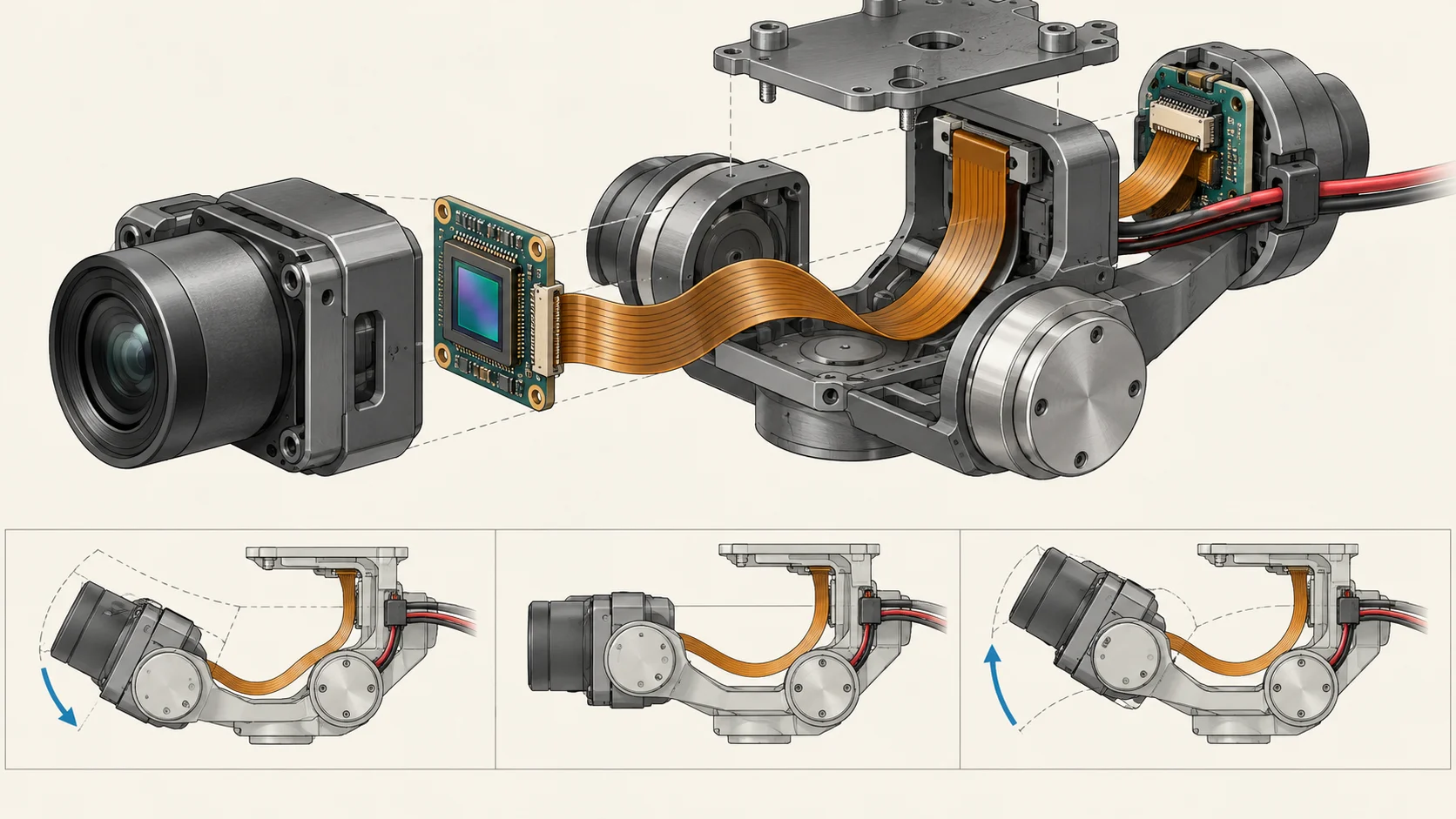
Check the camera flex route throughout gimbal travel
Review the complete swept route, including intermediate positions where the loop changes shape. Look for pinching, rubbing, local reversal, loose excess length and tension transferred into a connector. Include the assembled cover and the tolerance of nearby parts, not only the open mechanism used for an attractive photograph.
A mechanical model can expose nominal interference; a physical mockup shows how the thin circuit settles and how an operator actually installs it. Use both observations when agreeing the route. Record where the circuit is supported and where motion is intended, then check whether those boundaries remain stable through the defined sequence.
Use the static and dynamic bend guide to organise the bend discussion. The working geometry depends on the complete construction and installation. A single bend-radius number should not replace a route drawing, a motion definition and an agreed acceptance method.
Choose the stack-up around mechanical and signal needs
Specify the construction as a set of interacting layers and local features. Identify the conductor, dielectric, protective layer, adhesive and reinforcement requirements. Review the moving span separately from the connector tail and populated regions, especially where thickness or stiffness changes near a support.
Würth Elektronik's Flex Solutions design guide treats flex circuits as an electrical and mechanical system and includes project-specific stack-up decisions. Its system view is useful here: layer count, packaging, assembly and test requirements should be decided together.
The flexible PCB materials guide provides a framework for supplier questions. Ask for a documented proposal and a review of acceptable alternatives. Do not select a material solely because another drone uses it, and do not turn a copper designation into a guaranteed motion life. Retain approval of the complete construction with the sample record.
Support connector tails and keep sensor mounting stable
Confirm the mating connector by complete part number. Check contact side, finished tail thickness, exposed contact geometry, insertion direction and retention. Include latch access after the camera or sensor is installed. Matching conductor count and pitch alone does not establish a usable connection.
Keep the supported tail from becoming the moving hinge. Define the support location and the boundary between reinforcement and flexible span. Use the FPC stiffener review guide to document local thickness and inspection points. Test the finished tail in the actual mating component rather than accepting its nominal drawing thickness alone.
Sensor mounting needs its own decision. Advanced Navigation's Certus OEM PCB design guidance calls for rigid mounting and addresses vibration, heat and board flex for that module. Do not extend its placement details to every sensor. Follow the selected module's instructions and avoid assuming that a compliant interconnect should also be the sensor's mounting support.
Review camera data links separately from radio paths
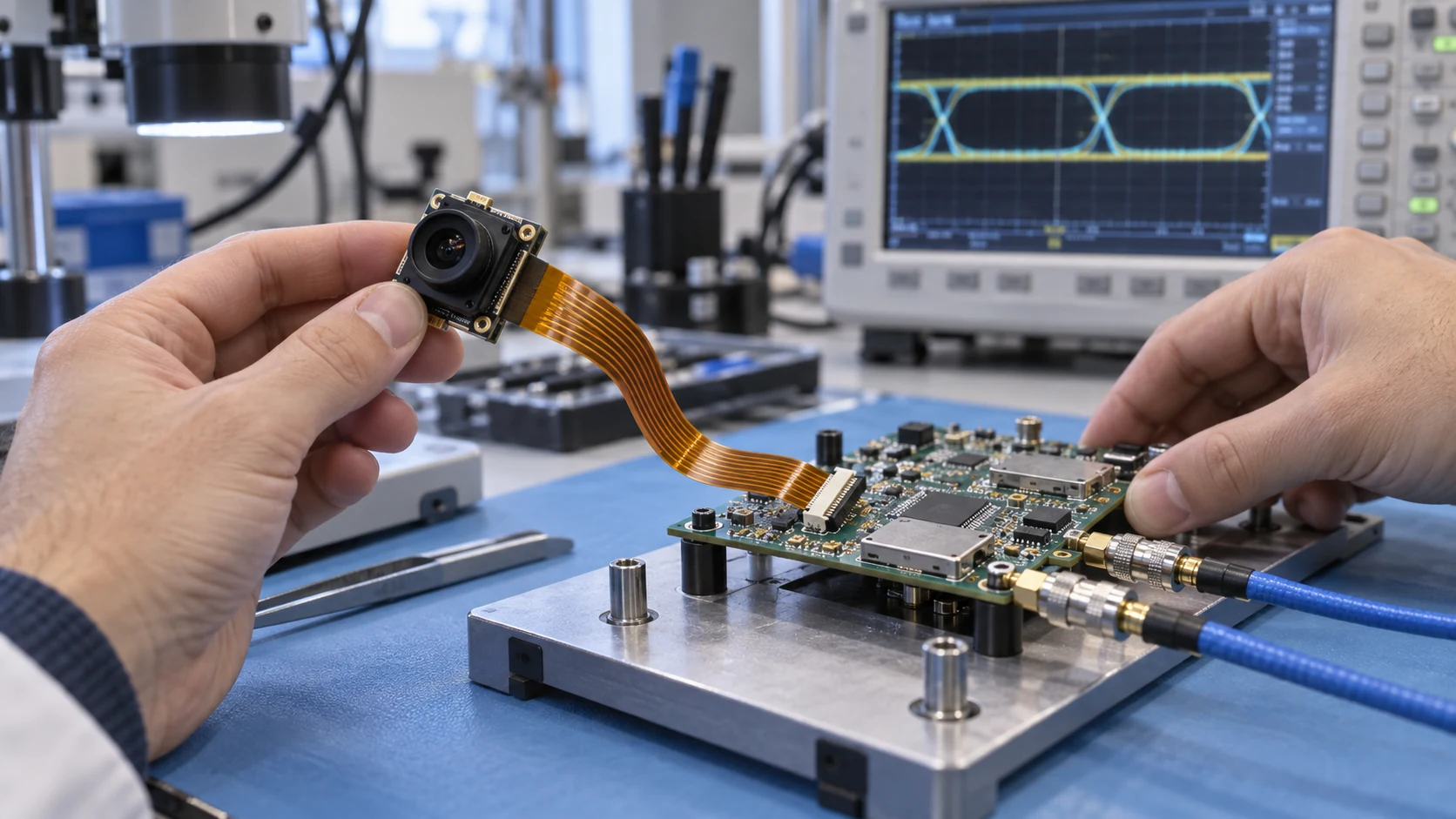
Identify the actual video interface, pin map and module requirements. State whether the FPC is a short internal camera link, part of a module-to-processor channel, or an interconnect to a radio board. A camera connection carrying digital data is not automatically an RF antenna feed.
If controlled impedance is required, agree the target, reference structure, relevant transitions and verification scope with the system designer and fabricator. Review connectors as part of the channel. Use the controlled impedance planning checklist for the assumptions and acceptance questions; do not invent one universal value for all UAV video links.
For telemetry or antenna connections, collect the selected radio documentation and the installed antenna arrangement. Review the interconnect in its final enclosure and near the actual surrounding materials. Additional shielding or copper may change mechanical behaviour and connector thickness, so return those changes to the shared construction review.
Review the pin map from both mating views. A drawing viewed from the contact side can appear reversed when compared with an assembly photograph. Identify pin one, contact orientation and connector location consistently across the schematic, flex artwork and assembly drawing. Check supply and reference connections before powering a sample, and retain the checked revision so that a later module substitution does not reuse an obsolete interface approval.
Define power paths and thermal checks explicitly
Treat camera supply, control signals and propulsion power as distinct electrical duties. A narrow imaging tail should not be assumed suitable for a motor-current path. State the actual load, connector limits, relevant operating states and thermal conditions before choosing conductor geometry or requesting a heavier construction.
Texas Instruments' TIDA-00916 drone ESC reference design illustrates the ESC as a specific propulsion subsystem. Its published performance belongs to that reference design. It does not establish a current rating, temperature limit or flight-time improvement for an unrelated flexible circuit.
For a mixed payload assembly, map how power and sensitive measurements share the installation. Agree which conditions need electrical and thermal checks, and identify who supplies the test setup and acceptance limits. Record the installed state, ambient conditions and measurement location so that a result can be interpreted instead of being reduced to an unexplained pass.
Compare installed mass and serviceability together
Evaluate lightweight FPC for drones at the installed assembly level. Include connectors, clamps, reinforcement, support parts and any retained cable or shielding. A lighter bare circuit does not by itself prove a lighter or easier-to-service payload.
Use the same functional boundary for each option. If a rigid-flex proposal removes a connector but changes the camera replacement procedure, include that maintenance consequence. Record how a technician disconnects the payload, inspects the tail and replaces a damaged assembly without disturbing unrelated modules.
Ask for the mass basis and configuration revision when comparing proposals. Separate measured sample mass from a preliminary design estimate. Avoid generic percentage-saving claims unless both alternatives and the measurement method are documented. The procurement decision should combine fit, assembly effort, replaceability and accepted electrical performance with the actual weight budget.
Specify the local environment without assuming a grade
Describe conditions where the circuit is installed. A protected camera housing can differ from a connection close to a motor, a ventilation opening or an external bracket. Identify the temperature range, vibration, humidity and other exposures that the project actually needs to address.
Record the required evidence and its owner. A fabrication inspection checks a different scope from payload operation under the specified environment. Agree which checks apply to the bare circuit, the populated assembly and the complete installed system, including the sequence in which those checks occur.
A drone flexible PCB is not automatically aerospace-qualified. This article addresses civilian UAV integration; it does not establish suitability for regulated aviation, space use or any particular qualification programme. If the contract requires a standard, class or approval, identify the exact applicable document and request the corresponding evidence before accepting the proposal.
Make assembly and payload replacement repeatable
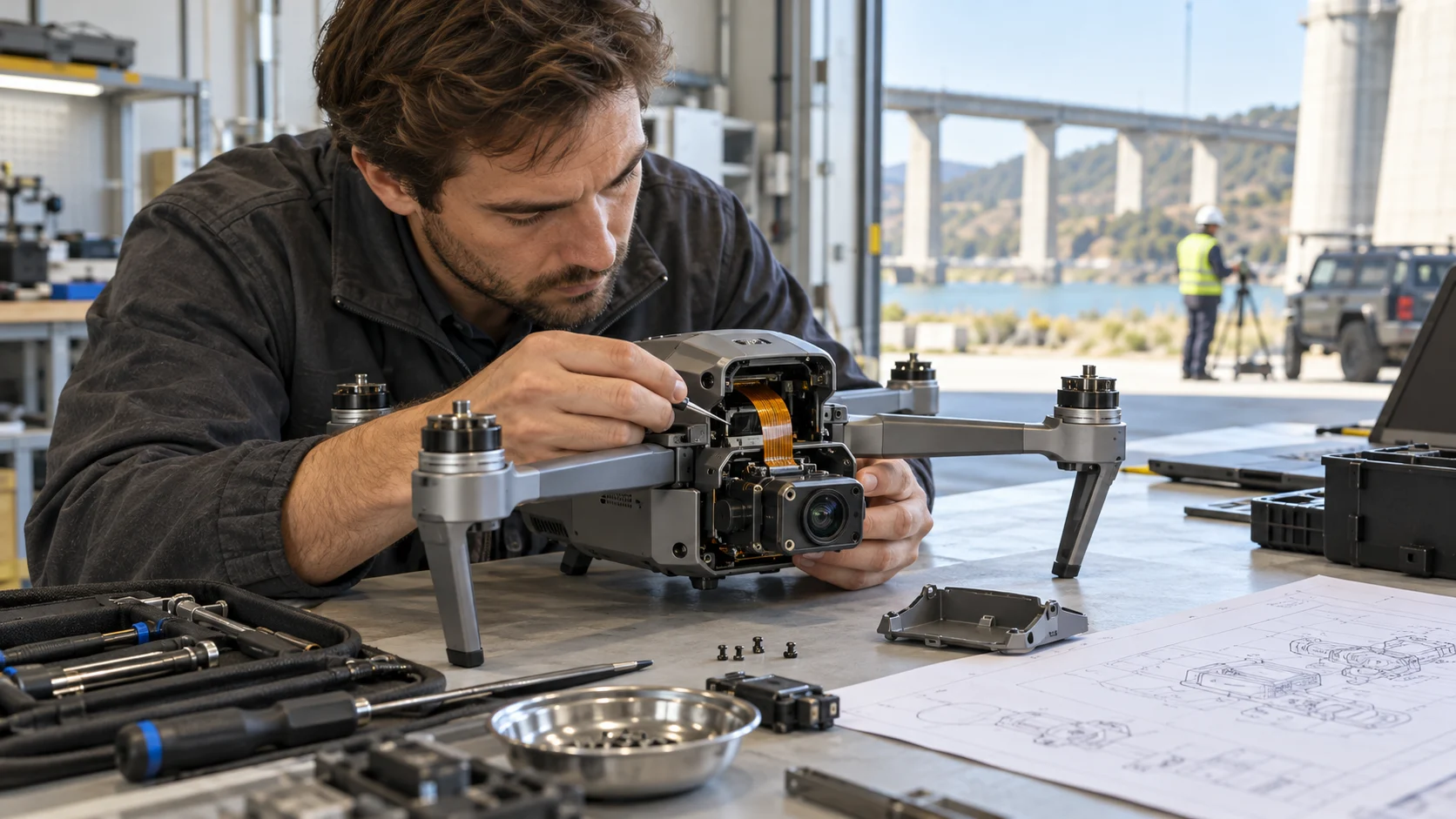
Write the installation sequence before approving the mechanical package. Identify handling points, connector access and when a cover, bracket or support is installed. An assembly that requires pulling the circuit through an unseen gap may produce inconsistent routes even when the circuit itself matches its drawing.
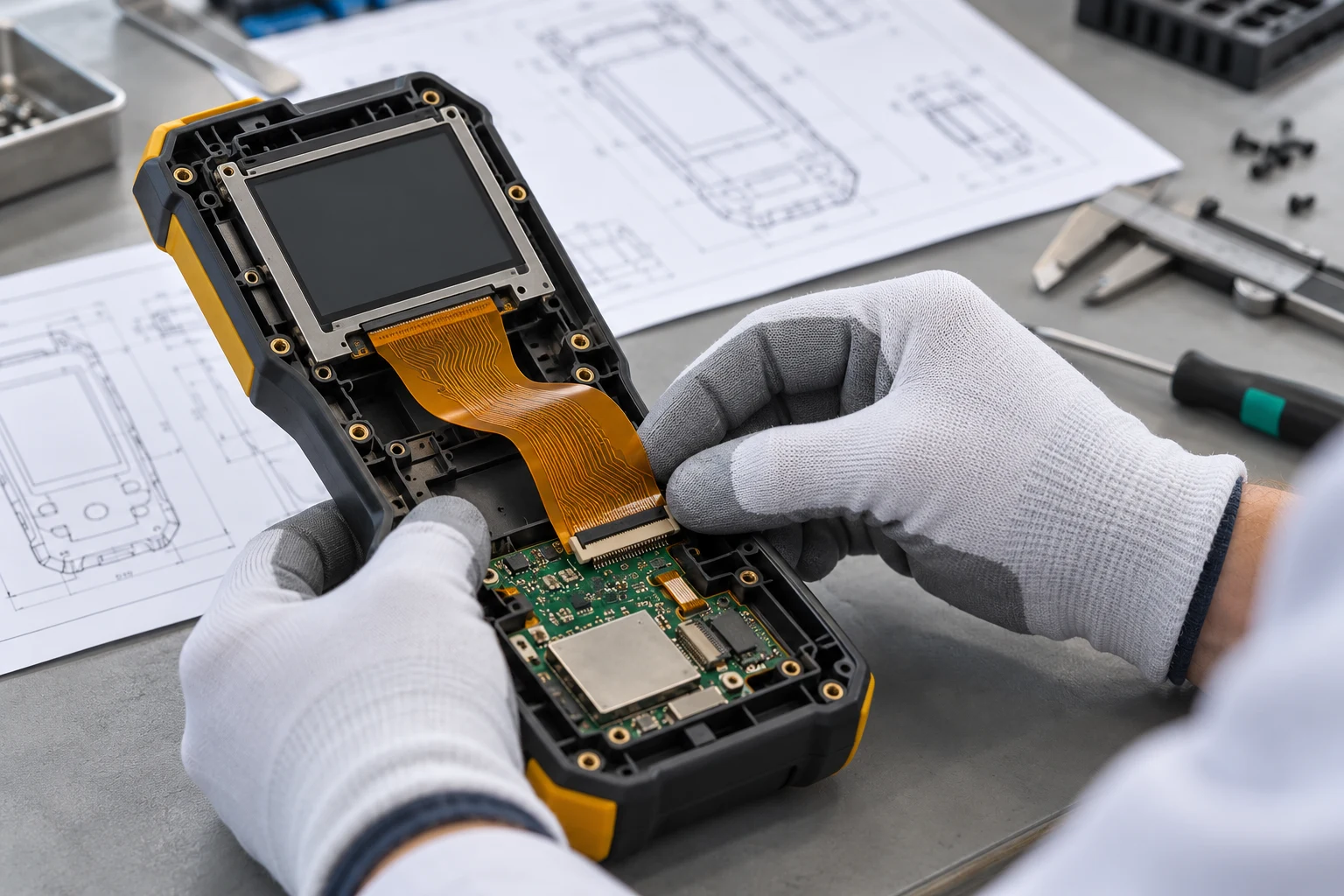
Define the delivered state: flat, preformed where agreed, populated or supported by a temporary carrier. State who removes any carrier and how the assembly is inspected afterward. For populated delivery, align the BOM, placement data, assembly drawing and component sourcing responsibility. The FPC assembly review guide covers the broader handoff.
Include service in the trial. Confirm that payload removal does not require an uncontrolled fold, excessive connector loading or undocumented adhesive replacement. Keep the approved route visible in photographs or work instructions with clear revision references, and return process changes to engineering rather than relying on operator memory.
Use the prototype to distinguish fit and signal faults
Plan prototype checks around specific questions. First establish correct identity, dimensions and connector fit. Then review the installed route and defined movement. Finally check the relevant electrical functions in the agreed operating states, keeping a clear link between the sample, fixture and recorded result.
The prototype validation guide can help structure that progression. Inspect the circuit after housing closure and after the motion sequence required by the project. Record changes in appearance, clearance, contact retention and electrical behaviour rather than reporting only that the camera worked once.
Separate observations from conclusions. An intermittent image may arise from the connector, power supply, module configuration or interconnect route; changing several items at once makes the cause harder to establish. Use controlled comparisons and retain the configuration of each trial. The system owner should decide what further validation is needed before any operational release.
Label each sample and preserve its build information, including material proposal, component revisions and any approved deviation. Record the fixture, measurement equipment and operating configuration used for the check. If a returned sample differs from the approved build, establish that difference before using it to judge the construction. Keep photographs of contact engagement and the closed assembly with the results; they can explain a later discrepancy that a bare electrical report cannot resolve.
Release the RFQ with decisions and exclusions visible
An RFQ should contain enough information for suppliers to quote the same deliverable. Include released circuit data, outline and hole information, proposed stack-up, contact and reinforcement details, installed views and the interface matrix. Add BOM and assembly documents when populated delivery is requested.
Use the manufacturing file handoff checklist to check revision consistency. Request that the supplier identify assumptions, alternatives, tooling, sample stages, inspection scope and exclusions. A proposal requiring a different connector tail or a revised motion loop should return for engineering approval before purchase.
Keep quantities and acceptance requirements consistent when comparing quotations. Distinguish included manufacturing checks from separately agreed system validation. Record who owns the final camera, sensor and enclosure interfaces so that an unresolved requirement is visible as a decision, not silently transferred to the production supplier.
Example: turn a camera-gimbal request into a reviewable brief
Consider a civilian inspection payload with a compact camera, a limited-travel gimbal and a separate telemetry board. This is an illustrative planning example, not a released Teleconix customer design. A request for a lighter flexible cable leaves too many interfaces undefined to guide a reliable quotation.
A better brief identifies the camera and connector revisions, the installed route, the travel envelope and the support locations. It separates camera data and supply from the propulsion power path. It also identifies which sensor modules require rigid mounting and which circuit spans may move during normal use or service.
The prototype plan then asks whether the tail mates correctly, the loop clears the closed housing throughout the defined motion and the payload interfaces behave as required in the agreed conditions. Purchasing compares proposals against that same brief. When a module changes, the team can identify the affected checks and reopen those decisions instead of treating the replacement as automatically equivalent.
Related Products
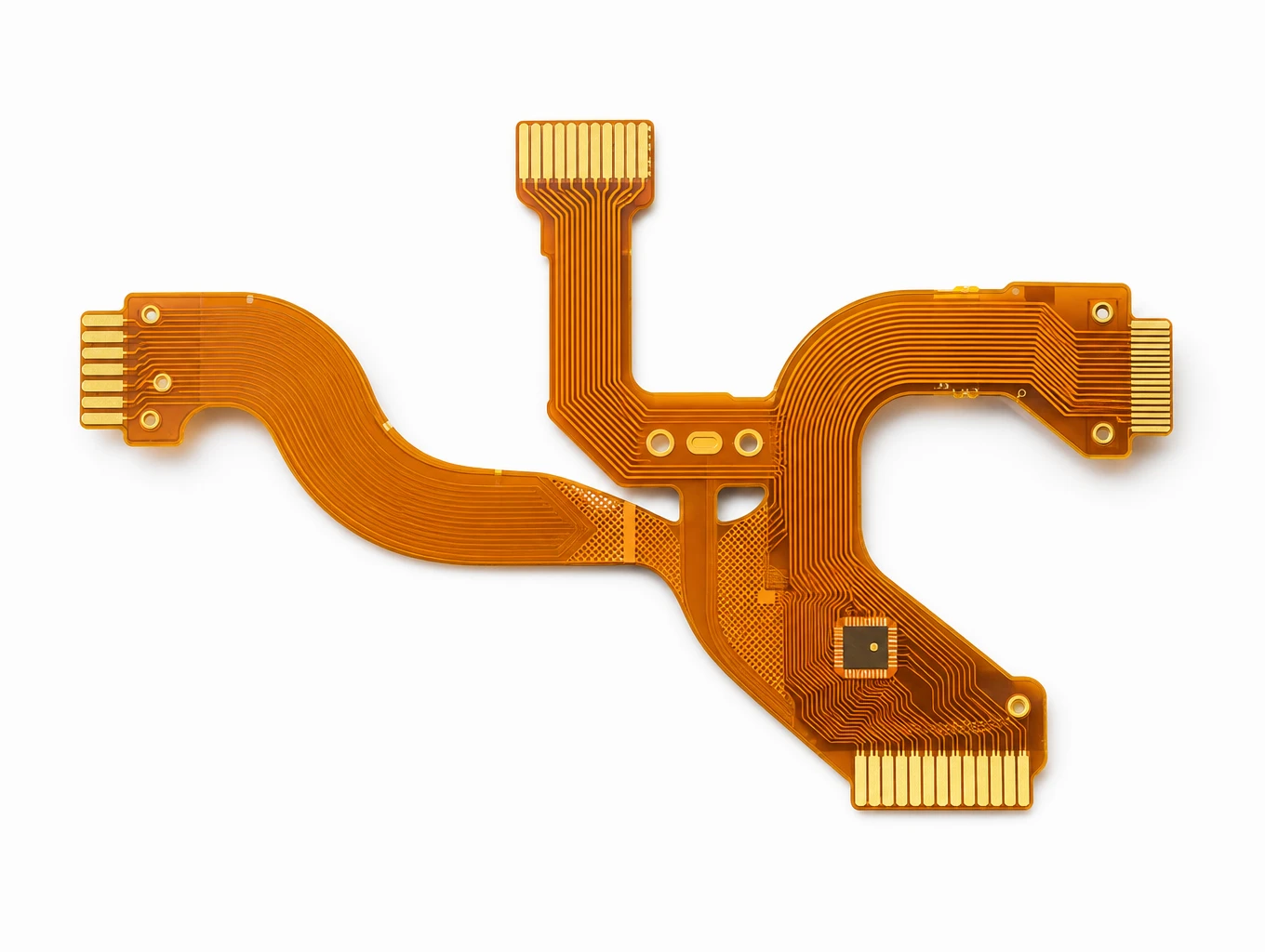
3-Axis Optical Gimbal & LiDAR Multi-Flex Ribbon FPC
Model: TLX-AERO-GMB02
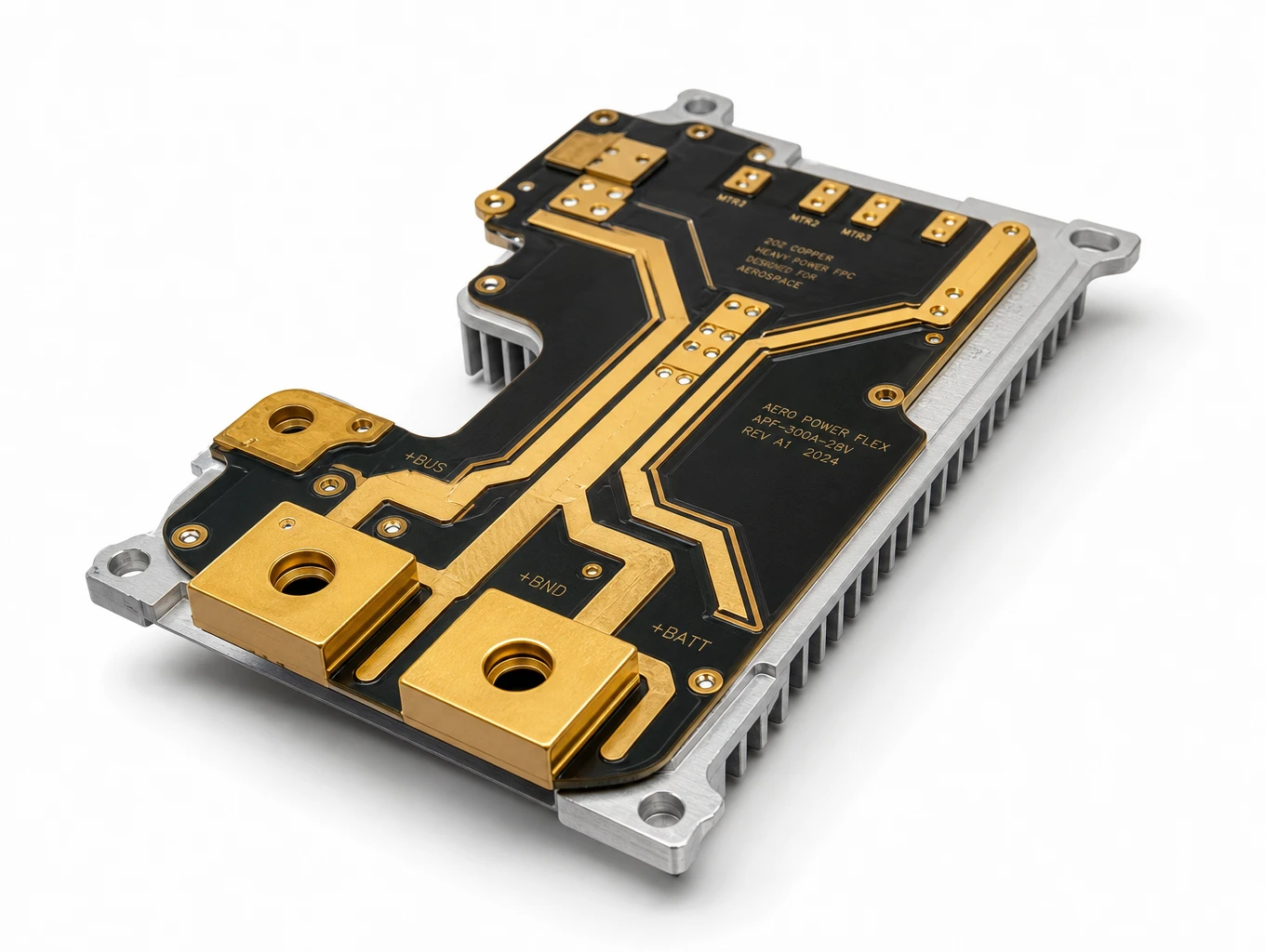
Heavy-Copper ESC & Propulsion Power Distribution FPC
Model: TLX-AERO-ESC01
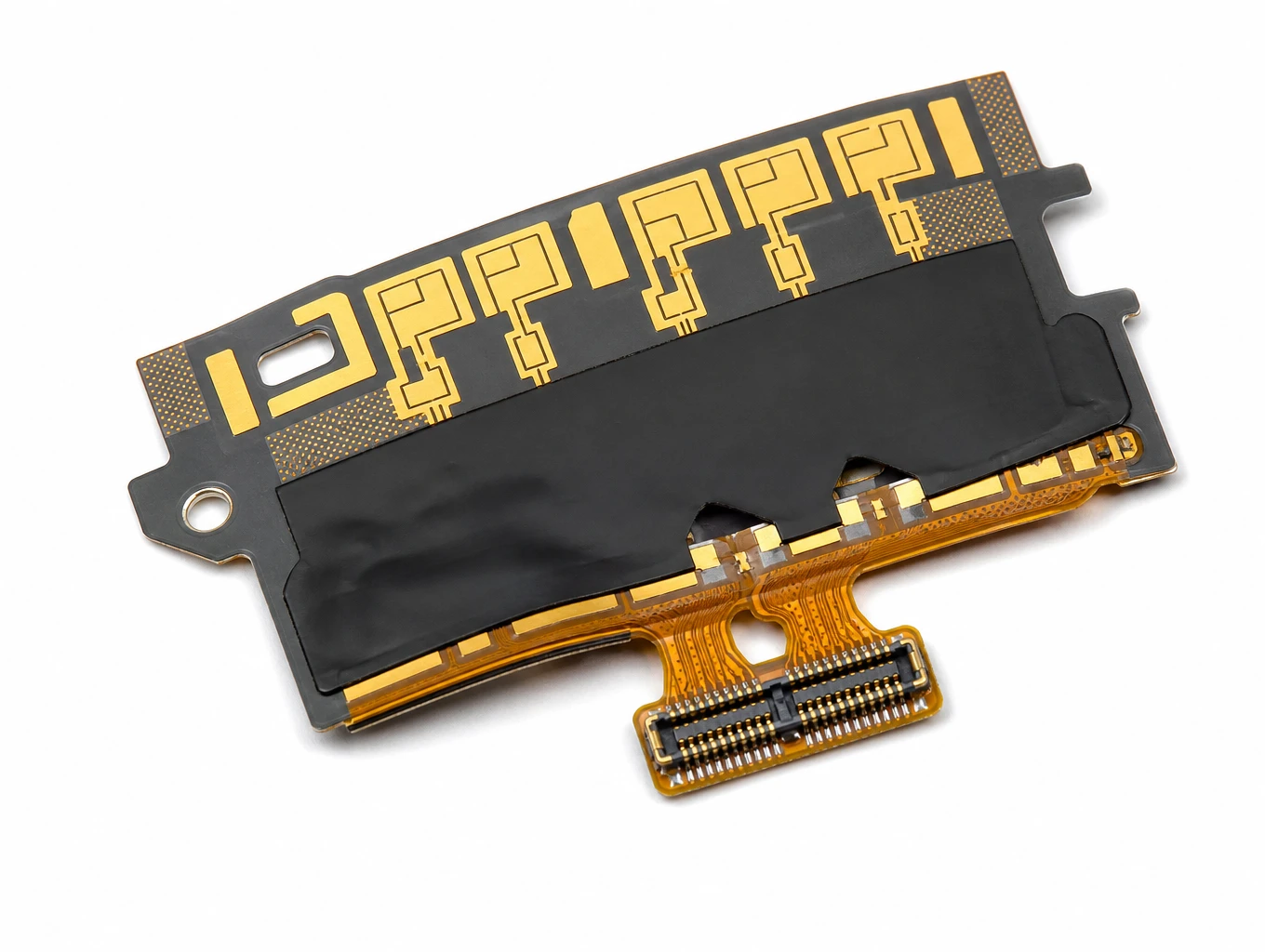
High-Frequency Telemetry & Phased-Array LCP Antenna FPC
Model: TLX-AERO-RF06
Related Solutions

High-End Industrial UAV & Commercial Aerospace FPC
Teleconix manufactures aerospace-grade flexible circuits built to IPC-6013 Class 3 standards for industrial drones, flight avionics, multi-axis gimbals, and satellite systems — delivering superior SWaP weight reduction, extreme thermal endurance, and fail-safe signal integrity.
Explore Solutions
RF & Communication FPC Solutions
Custom RF flexible PCB and telecom interconnects for antenna modules, wireless terminals and high-speed communication assemblies. Coordinate materials, signal paths, shielding and connector support with Teleconix before prototype release.
Explore Solutions
AI & Robotics & Special Industrial FPC
Overcome severe mechanical stress and extreme spatial constraints in your automated hardware. We design and manufacture custom flexible circuits engineered to endure over 2 million continuous bending cycles in multi-axis robotic joints, bionic grippers, and autonomous AGV/AMR platforms.
Explore Solutions High-End Industrial UAV & Commercial Aerospace FPC
Teleconix manufactures aerospace-grade flexible circuits built to IPC-6013 Class 3 standards for industrial drones, flight avionics, multi-axis gimbals, and satellite systems — delivering superior SWaP weight reduction, extreme thermal endurance, and fail-safe signal integrity.
Explore Solutions RF & Communication FPC Solutions
Custom RF flexible PCB and telecom interconnects for antenna modules, wireless terminals and high-speed communication assemblies. Coordinate materials, signal paths, shielding and connector support with Teleconix before prototype release.
Explore Solutions AI & Robotics & Special Industrial FPC
Overcome severe mechanical stress and extreme spatial constraints in your automated hardware. We design and manufacture custom flexible circuits engineered to endure over 2 million continuous bending cycles in multi-axis robotic joints, bionic grippers, and autonomous AGV/AMR platforms.
Explore SolutionsFrequently Asked Questions
Conclusion: agree the installed interface before release
A UAV flexible PCB proposal becomes easier to assess when camera interfaces, sensor mounting, movement, power duties and production acceptance share one revision-controlled brief. Start with the installed assembly and validate the assumptions with the intended components. To plan the next review, discuss your UAV FPC project with Teleconix and share the module documents, mechanical views, quantities and outstanding decisions.