

Display FPC integration starts with the complete module
A display FPC must connect the selected display and controller while fitting the real enclosure and assembly sequence. A tail that looks correct in a flat drawing can still face the wrong connector contact, pull against the display edge or leave an important interface requirement undefined. Start with the complete module rather than ordering from a photograph of a similar cable.
For an OEM team, the practical goal is a connection that can be specified, assembled and verified consistently. That involves electrical engineering, mechanical design, firmware, purchasing and incoming inspection. Each team should work from the same display part number, connector drawing and circuit revision.
This guide provides an integration checklist for LCD and OLED projects, including connector fit, installed routing, signal and power requirements, prototype checks and RFQ handoff. Explore the Display FPC product category for application examples, then use your actual module documents to define the requested construction and validation scope.
Map the boundaries between the display, FPC and controller
Identify what the display supplier already provides. The module may include a bonded tail, driver electronics, a touch controller or other integrated parts. A separate custom flex may connect that module to your main board, or the proposed circuit may belong inside a more customised assembly. Those are different purchasing and qualification scopes.
Mark the connector interfaces and the owner of each drawing. Identify who defines the panel pin assignment, who designs the interconnect and who approves the controller settings. If a supplier proposes changing the module’s existing bonded tail, confirm that this work is actually available and how it affects the module specification.
Do not treat a new FPC as an automatic cure for a system incompatibility. A circuit cannot substitute for an unsupported display interface or an incorrect power sequence. A boundary diagram helps the team decide which questions belong to the circuit supplier and which require the display, connector or controller manufacturer.
Build a display interconnect requirements checklist
Use the following checklist to collect the inputs before layout or quotation. Treat it as a review structure, not a universal specification for every LCD display FPC or OLED connection. Mark unresolved decisions and assign an owner rather than allowing a blank field to become a manufacturing assumption.
| Review area | Required input | Question to close |
|---|---|---|
| Module identity | Display part number, revision and approved specification. | Which exact module is being integrated? |
| Electrical interface | Pin mapping, signal names, rails and host requirements. | Does every connection have an agreed function? |
| Mating interface | Connector part number, contact side and tail drawing. | Will the finished contact end fit correctly? |
| Installed geometry | Enclosure model, routing, supports and assembly access. | Can the connection be installed without strain? |
| Construction | Stack-up, openings, local reinforcement and finish. | Which regions need specific acceptance checks? |
| Verification | Electrical, visual, mechanical and operating checks. | What evidence is required before release? |
Keep the documents together with a short revision manifest. Explain which file defines flat fabrication geometry and which view explains the installed shape. If an illustrative assembly picture differs from the released dimensions, label it clearly. Resolve genuine conflicts between artwork, module drawings and the enclosure before authorising a build.
For example, changing the controller board position can alter the required tail route even when the screen and connector remain unchanged. Review the installed model and assembly access before approving the revised outline. An unchanged connector pitch alone is not enough evidence that the previous interconnect still fits.
Confirm the panel interface before routing the circuit
Use the selected module’s specification to identify the interface and the host requirements. Depending on the product, the connection may involve a serial display interface, parallel signals, control connections or other arrangements. The words LCD and OLED describe display technology; they do not by themselves define a compatible host connector or pinout.
MIPI Alliance describes MIPI DSI as a serial interface between a host processor and display module. If your project uses it, confirm the supported configuration from the actual host and panel documents. Do not infer the lane assignment or operating settings from a generic cable description.
Document signal names, pin numbering, reference grounds and any interface-specific constraints. Ask the system designer to identify requirements that the FPC layout must satisfy. The controlled impedance planning guide can help organise the construction and verification discussion, without substituting a generic impedance value for the design requirement.
Check connector compatibility beyond pitch and pin count
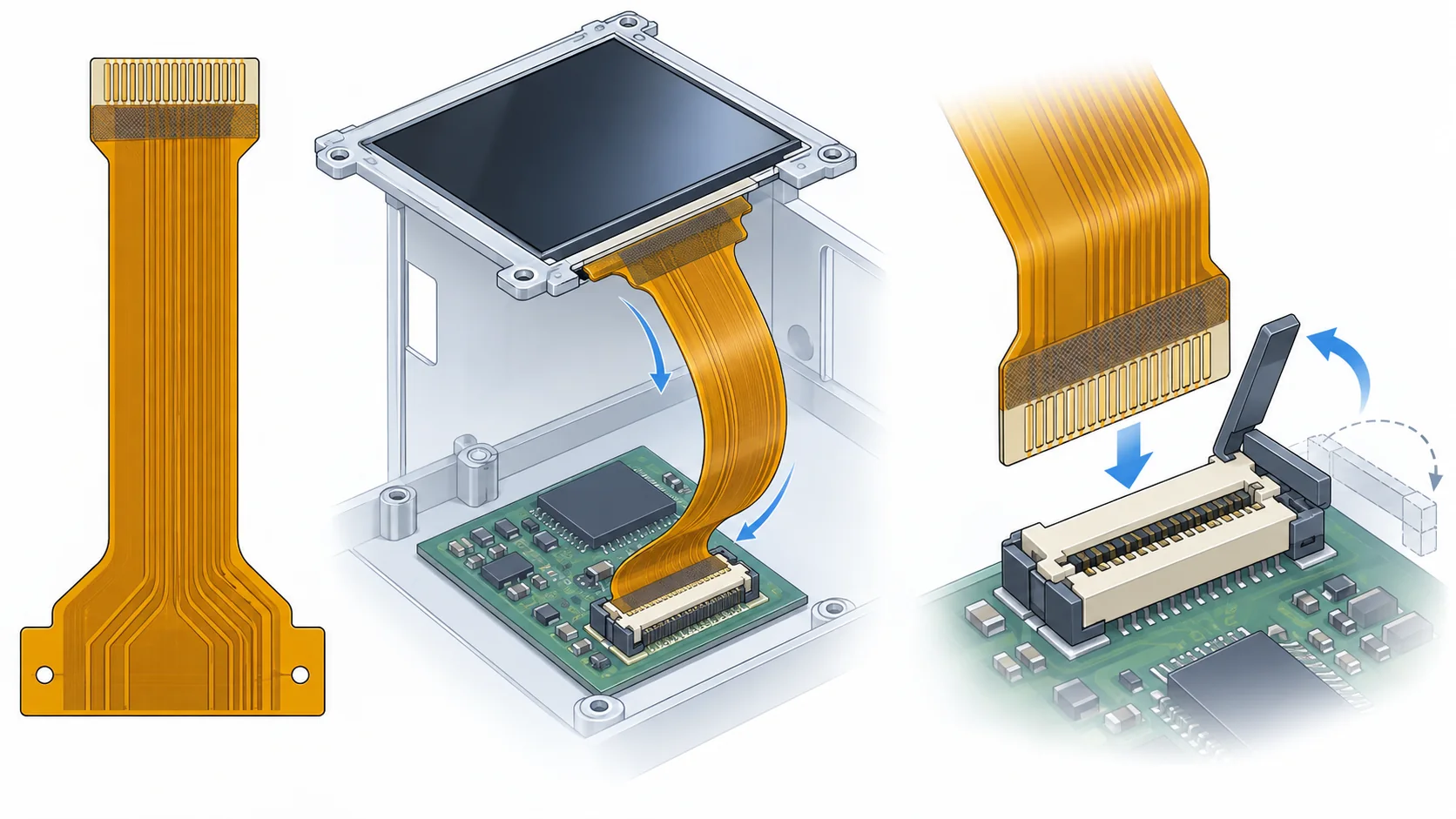
Obtain the complete connector part number and the recommended mating drawing. Check contact orientation, insertion direction, contact exposure, finished tail thickness, retention details and latch access. Two connectors with the same pitch and number of positions can require different contact arrangements or supported tail geometry.
Hirose’s FH12 series documentation illustrates why the specific variant and its drawings matter: a connector family can contain different contact and mounting arrangements. Use the documents for the selected part rather than applying one catalogue example to every display cable.
Review the finished mating region as a complete construction, including reinforcement and adhesive where present. Define the measurement location and the accepted thickness window with the connector requirements in view. Use the stiffener and connector thickness guide for this review. Then verify a real sample in the actual socket before approving the interface.
Make pin mapping and contact-side orientation unambiguous
Create a pin-to-pin mapping that connects the module specification to the host schematic and FPC drawing. Mark the viewing direction at both ends, the contact side and the reference pin. An outline that appears mirrored on a drawing can be correct or incorrect depending on that viewing convention, so make the convention explicit.
Check ground, power and control connections as carefully as the main display signal group. Identify pins that must remain unconnected and any functions that differ across module variants. Do not copy a mapping from a visually similar panel without reviewing its controlled specification.
Include enough visual information for assembly operators to distinguish the ends and insertion direction. If the design is replacing a flat cable, review the FPC versus FFC selection guide before assuming interchangeability. Close the mapping review before tooling, and retain the approved table as part of the prototype and incoming inspection documentation.
Define stack-up, protective openings and local support
Choose the proposed construction from the routing, electrical and mechanical requirements. Record conductor layers, material system, copper requirements, protective layers and surface finish. Separate a mandatory material from an alternative that the supplier may propose for approval. A general flexible material name does not establish the finished construction.
Identify the different regions: the bend span, the connector contact end, component or connector attachment areas and any supported islands. Show coverlay openings and reinforcement outlines relative to controlled datums. Keep local thickness requirements separate from a single overall thickness description when the assembly depends on them.
Use the flexible PCB materials guide and coverlay opening checklist to organise the details. Ask the supplier to explain a proposed construction change before accepting it. A material substitution, protective-layer change or reinforcement adjustment may require another fit or electrical review even if the outline remains unchanged.
Route the installed flex without loading the display edge
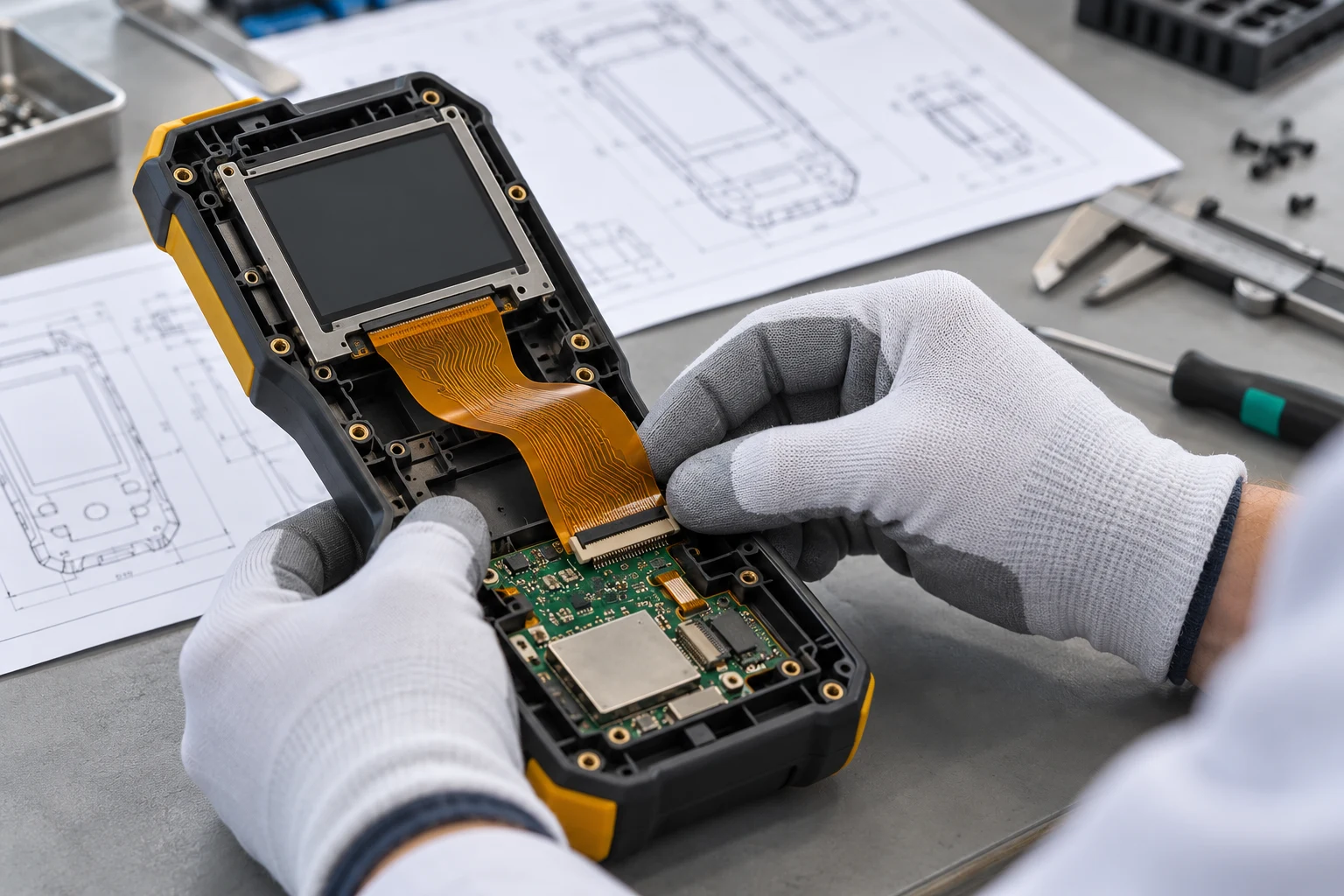
Review the complete route in the enclosure, including the space needed to insert the tail and close the connector latch. Identify edges, screws, brackets and moving parts that can touch or trap the circuit. Check the route both before and after the housing is fully closed, because the final assembly can change the available space.
Newhaven Display’s product usage guidelines call attention to routing slack, cable tension, edge clearance and careful handling around the display. Follow the instructions for your actual module. A bend value given for one vendor’s construction is not a universal rule for every custom FPC.
Distinguish a one-time installation bend from repeated movement. Define the intended bend regions and keep the supported contact end out of an uncontrolled fold. The static and dynamic bend review explains the questions to document. Use prototypes to confirm that the installed route does not transfer enclosure loads into the panel connection.
Review signal paths, return paths and shielding as a system
Describe the electrical path from the host through the connectors and circuit to the display electronics. Ask the system designer which nets require controlled geometry, matching or particular return-path treatment. Review transitions at contacts and connector launches instead of considering only the middle of the flexible span.
When impedance is specified, record the target, permitted variation and the proposed measurement or verification approach. Agree which construction assumptions apply to the circuit and any test structure. Avoid treating a supplier’s generic capability statement as the acceptance plan for your particular display interface.
If shielding is proposed, identify its connection and the relevant mechanical consequences. An added layer can change local thickness, flexibility and assembly details. Review it together with nearby power circuits, touch electronics, antennas and the enclosure. Verify the assembled system under defined conditions; a bare-circuit electrical check alone does not establish display image quality or complete electromagnetic compatibility.
Treat display power, backlight and touch connections separately
List each supply and control function required by the selected module. Where a backlight is present, identify its electrical connection, driver arrangement and operating requirements separately from the image-data interface. For an OLED flexible PCB project, use the OLED module’s own power and control specification rather than carrying over assumptions from an LCD assembly.
A touch panel may have a separate tail or share part of the assembly. Confirm the actual touch-controller interface, grounding requirements, mounting details and any test conditions. Allocate the relevant connections and supports deliberately rather than allowing them to become late additions around an already fixed display route.
Review current paths, contact ratings and temperature assumptions with the responsible engineers. There is no useful universal trace-width answer without those inputs and the construction. Before powering a prototype, confirm that the pin mapping and supply arrangement have been reviewed against the module documents. Record the approved operating setup so another technician can repeat the same test.
Plan assembly access, handling and rework
Write the assembly sequence before finalising the mechanical outline. Determine when the display is supported, when the tail enters its connector and how the latch is operated. Check that the operator can see alignment without pulling on the circuit or pressing on an unsupported display surface.
Use appropriate handling controls for the components and module, including the supplier’s ESD and power-off instructions. Keep contact surfaces clean and protect the circuit from sharp tools and enclosure edges. If the process needs a temporary carrier or support, distinguish it from reinforcement that remains in the delivered assembly.
Define any permitted rework or mating operations using the connector and module documentation. A cable intended to be installed once should not be treated as a service disconnect without review. The FPC assembly planning guide provides a wider checklist for fixtures, responsibility and inspection. Confirm that the actual line can follow the approved sequence before releasing a volume build.
Investigate display faults with controlled observations
A dark screen, unstable image or intermittent touch response does not identify a single root cause. Record the exact symptom, operating conditions and revision combination before changing parts. Check the obvious boundaries first: part identity, connector seating, contact orientation, supply connections and the approved controller configuration.
Separate bare-circuit checks from assembled-system diagnosis. A continuity result may confirm an intended connection but cannot prove that the host and panel settings match. Likewise, a display that operates on an open bench may still fail after the enclosure changes the route or contact loading.
Change one relevant condition at a time and retain the results. Compare the assembly before and after housing closure, and use an approved reference setup where available. Avoid repeatedly flexing or reconnecting a suspect tail without a plan, because handling can introduce another fault. Send the supplier a clear evidence package rather than asking it to diagnose a photograph without revision and test context.
Validate prototypes in the final installed configuration
Agree the prototype checks before ordering samples. Include drawing dimensions, connector engagement, installed clearances and the electrical checks requested for the circuit. Add operating checks for the complete display assembly, such as the defined image patterns, touch functions and startup conditions that matter to the product.
Choose environmental and mechanical testing from the intended use and the relevant module specifications. State the fixture, sample configuration and acceptance criteria. A broad industrial or automotive label is not a complete test plan, and a short demonstration does not establish a quantified service life.
The prototype build and validation guide helps structure the evidence and revision handoff. Record any observed connector loading or route changes after installation. If a problem leads to a new reinforcement, outline or material proposal, review the affected checks again instead of assuming approval transfers automatically from the earlier sample.
Release a clear RFQ and control module changes
Prepare the circuit artwork or agreed manufacturing files, the fabrication drawing, stack-up, contact details and the installed mechanical views. Attach the actual display and connector specifications that define the interfaces. Add a BOM, placement and assembly drawings when the requested delivery includes components or connectors.
Use the flexible PCB RFQ file checklist to identify scope, quantity, acceptance documents and open technical questions. Confirm the requested service with Teleconix before release. A display-module modification, special bonding operation or complete panel supply should be discussed explicitly rather than assumed to be included in a bare-FPC quotation.
Control later changes to the panel, host board, connector and enclosure together. An alternative module with the same screen size can still change the pin mapping, contact side, power arrangement or mechanical route. Ask the project owner to assess those differences and record the approved revision combination before purchasing or manufacturing against the new configuration.
Related Display FPC Products
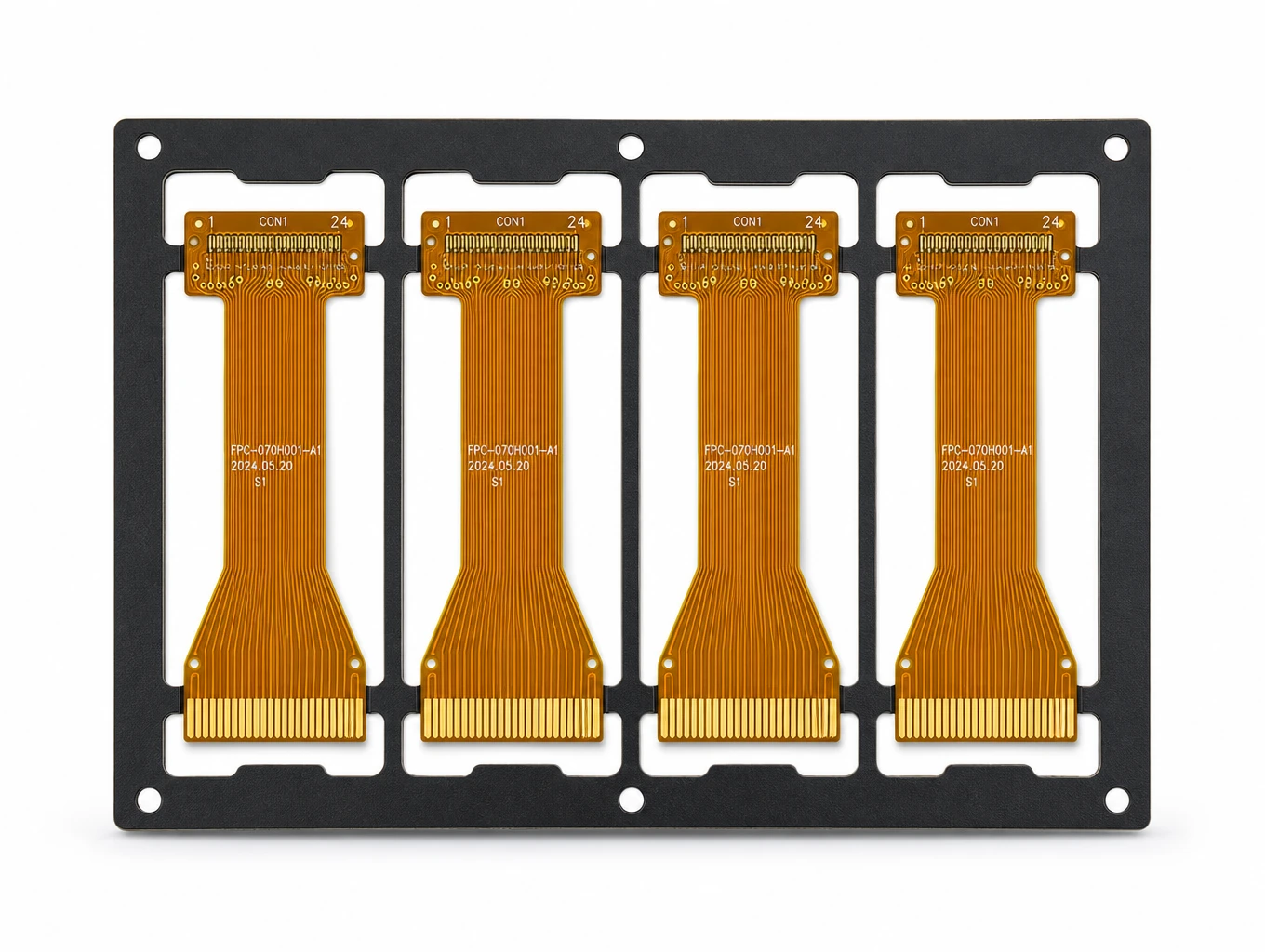
Industrial HMI & TFT-LCD Module FPC
Model: TLX-DFPC-IND05
Ultra-Thin AMOLED & OLED Driver FPC
Model: TLX-DFPC-OLED01
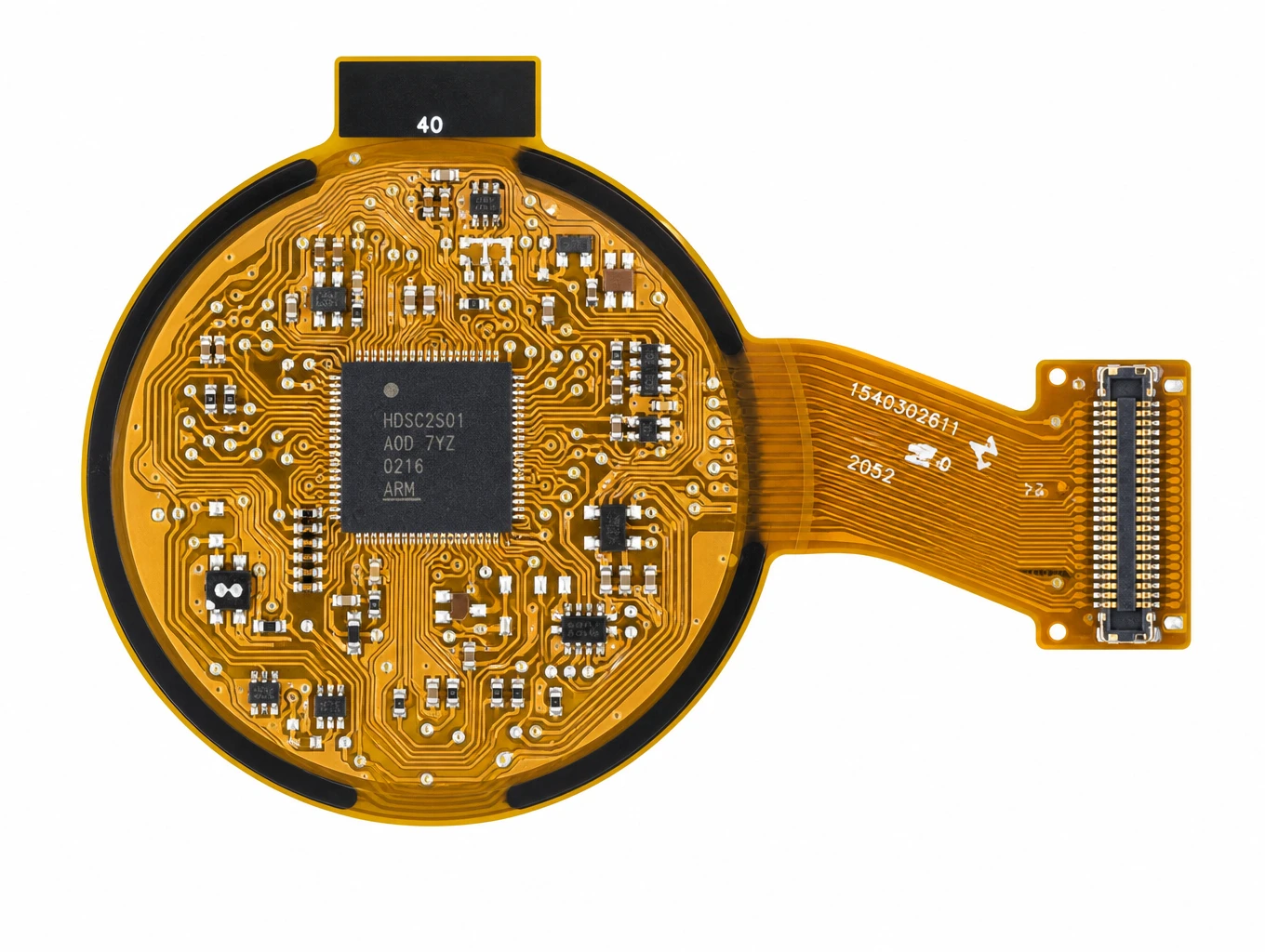
Wearable Smartwatch & Round AMOLED FPC
Model: TLX-DFPC-WEAR04
Related FPC Application Solutions

Display FPC
Teleconix manufactures fine-pitch, high-density FPCs for LCD, OLED, mini-LED displays, camera modules, and optical sensors — delivering stable signal transmission and exceptional brightness control.
Explore Solutions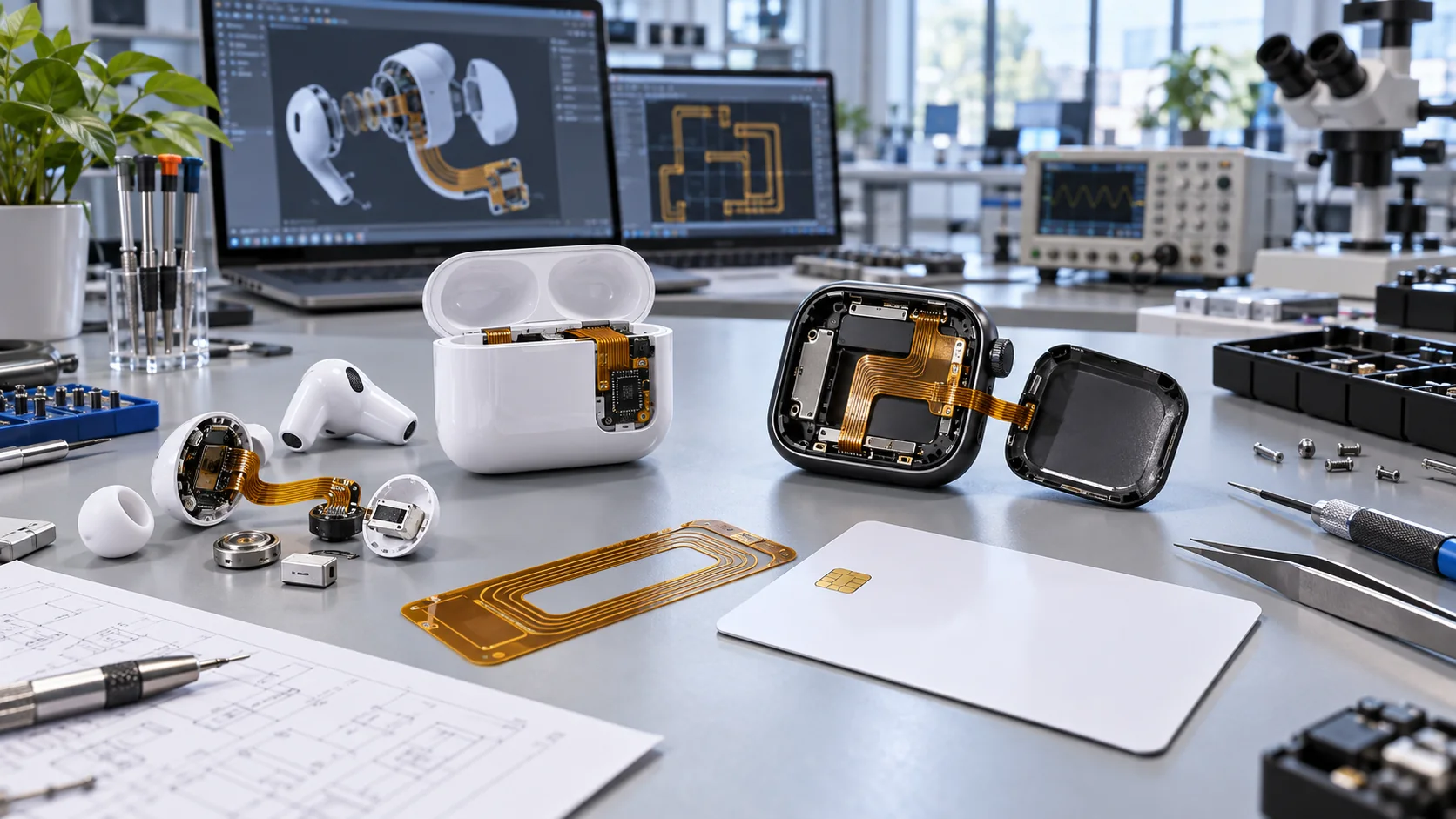
Consumer Electronics & Smart Card FPC Solutions
Custom flexible circuits for smart cards, TWS earbuds and compact wearables. Align routing, stack-up, component interfaces and prototype acceptance with Teleconix before releasing your OEM design.
Explore Solutions
Medical Device FPC Solutions
Custom flexible circuits for diagnostic equipment, patient monitoring and compact medical electronics. Discuss routing, signal paths, materials and prototype acceptance with Teleconix before releasing your OEM design.
Explore Solutions Display FPC
Teleconix manufactures fine-pitch, high-density FPCs for LCD, OLED, mini-LED displays, camera modules, and optical sensors — delivering stable signal transmission and exceptional brightness control.
Explore Solutions Consumer Electronics & Smart Card FPC Solutions
Custom flexible circuits for smart cards, TWS earbuds and compact wearables. Align routing, stack-up, component interfaces and prototype acceptance with Teleconix before releasing your OEM design.
Explore Solutions Medical Device FPC Solutions
Custom flexible circuits for diagnostic equipment, patient monitoring and compact medical electronics. Discuss routing, signal paths, materials and prototype acceptance with Teleconix before releasing your OEM design.
Explore SolutionsFrequently Asked Questions
Conclusion: release a display interconnect that fits the system
A reliable display FPC integration begins with the actual module and host, then closes the connector, construction and installed-route questions. Preserve the approved pin mapping, review local support and verify the complete assembly before production release. Keep later module and enclosure changes connected to the interconnect review.
For an LCD or OLED project, discuss your Display FPC requirements with Teleconix. Share the module and connector documents, proposed route, available circuit data and expected quantities. Confirm the fabrication, assembly and validation scope for your individual application before approving the build.